Slides LM
Role
Developer and Designer
Team
Solo Project
Timeline
4 Months
Overview
An AI-powered lecture assistant built to help university students organise, search and study their lecture materials. The project focuses on making large amounts of lecture content easier to access by extracting information from uploaded files and turning it into structured, searchable study material. I built it to solve the problem of having to repeatedly search through lecture slides, documents and previous chats to find specific information.
Highlights
The goal is to make AI-assisted studying more organised, accessible and useful by bringing the tools students need into one flexible workspace.
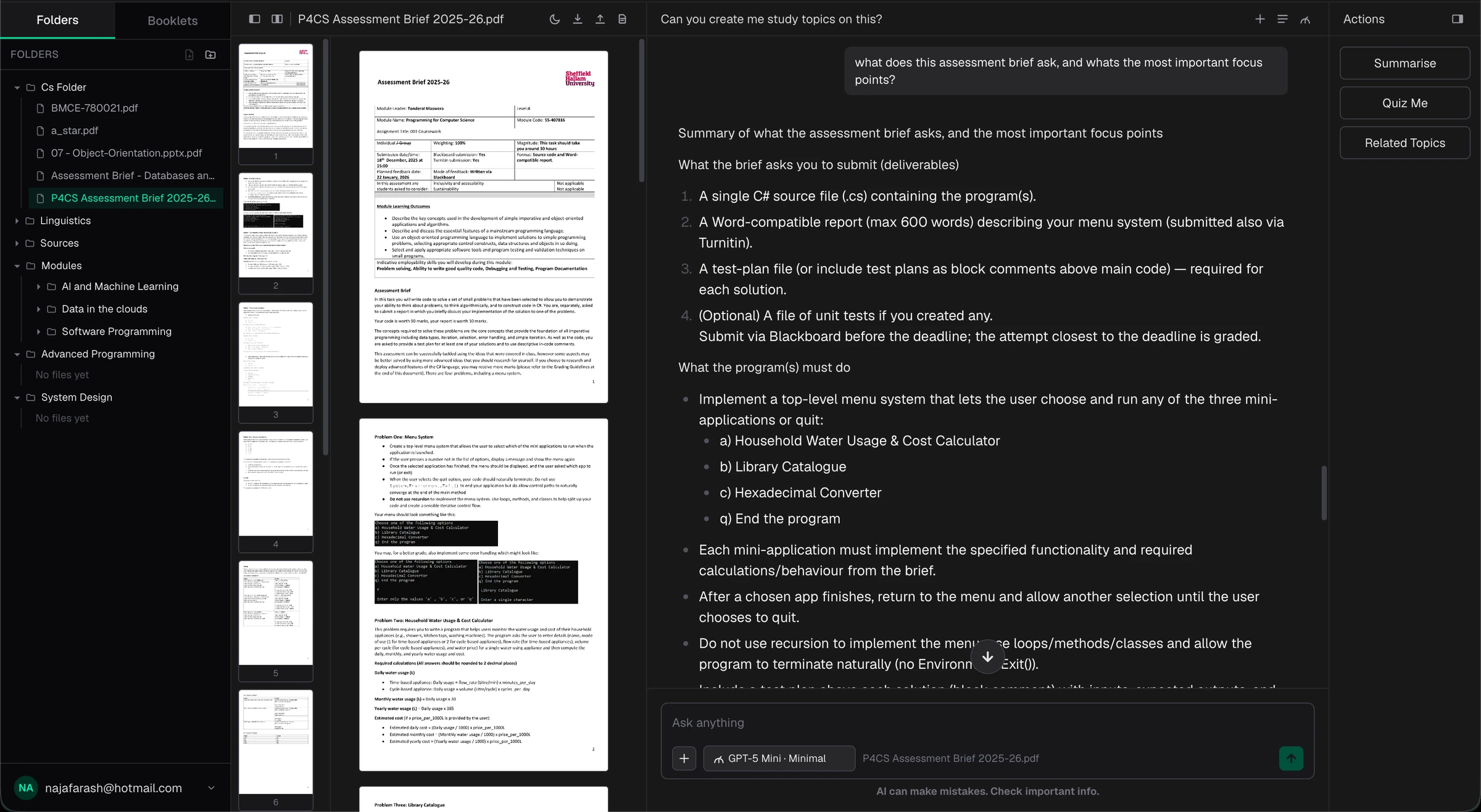
0.1Folder view with AI summary and quiz actions.
Image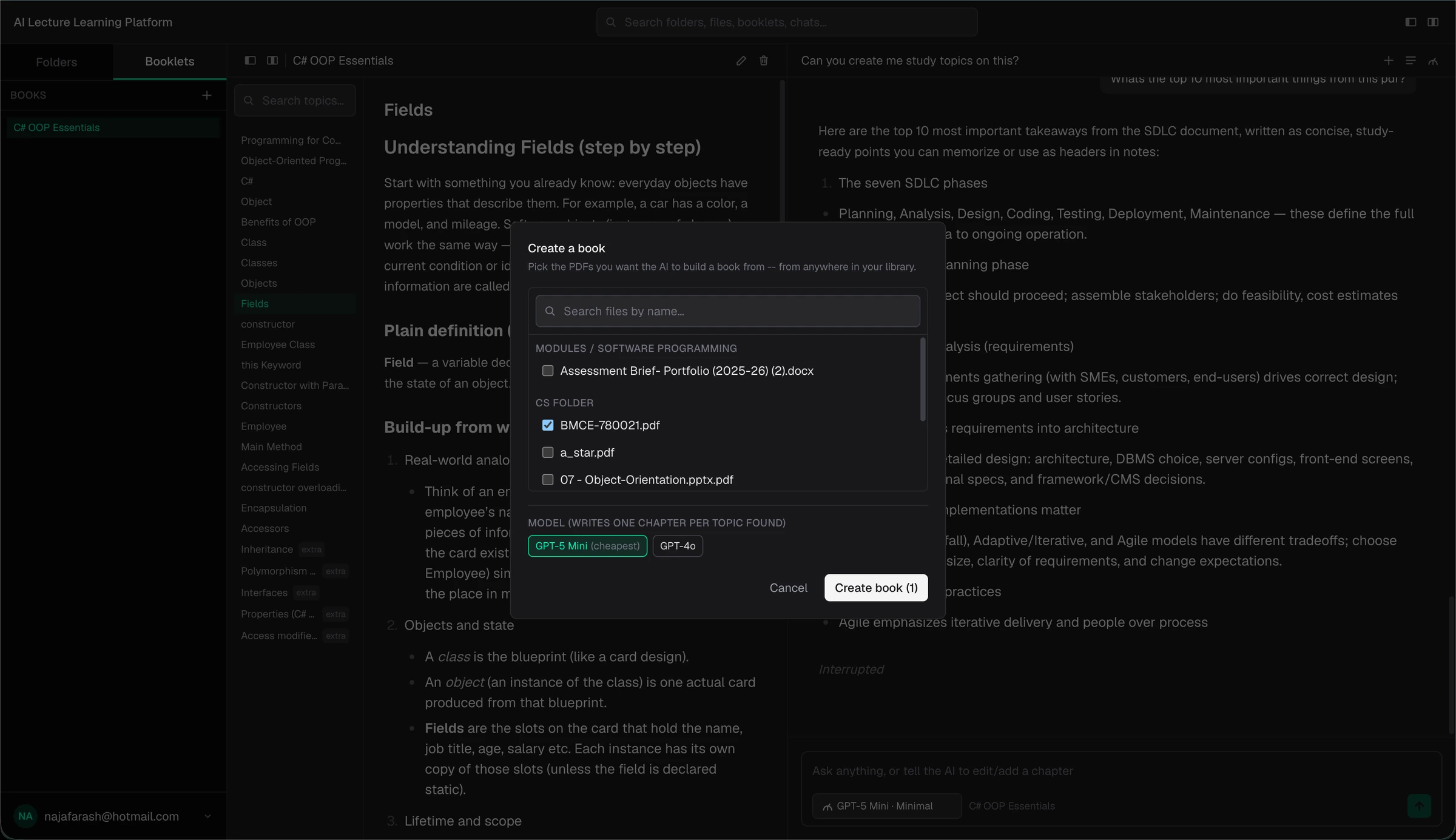
0.2Generating a study booklet from selected PDFs.
ImageThe Problem
AI makes studying easier, but finding past information harder.
Useful answers get buried in conversations.
Splitting study material across files and chat history has a real cost at revision time: re-reading whole documents to relocate one fact, or re-asking the same question because the answer is buried three conversations back. The tools weren't the problem: nothing kept track of where information actually lived. I wanted a workspace where anything found or generated once stays attached to its source and stays findable.
Process
A workspace built around how students actually work.
Finding what tools students use
Most students already use AI chatbots alongside their notes, but as a separate tool that has no idea what folder or page they're working from. Rather than build another standalone chatbot, I focused on combining file organisation, note-taking and AI tools within the same workspace. The interface was designed around a familiar folder and page structure, while features such as file extraction and AI-assisted search make the content within those pages easier to work with. This approach kept the familiar parts of studying while adding AI where it provides the most value.
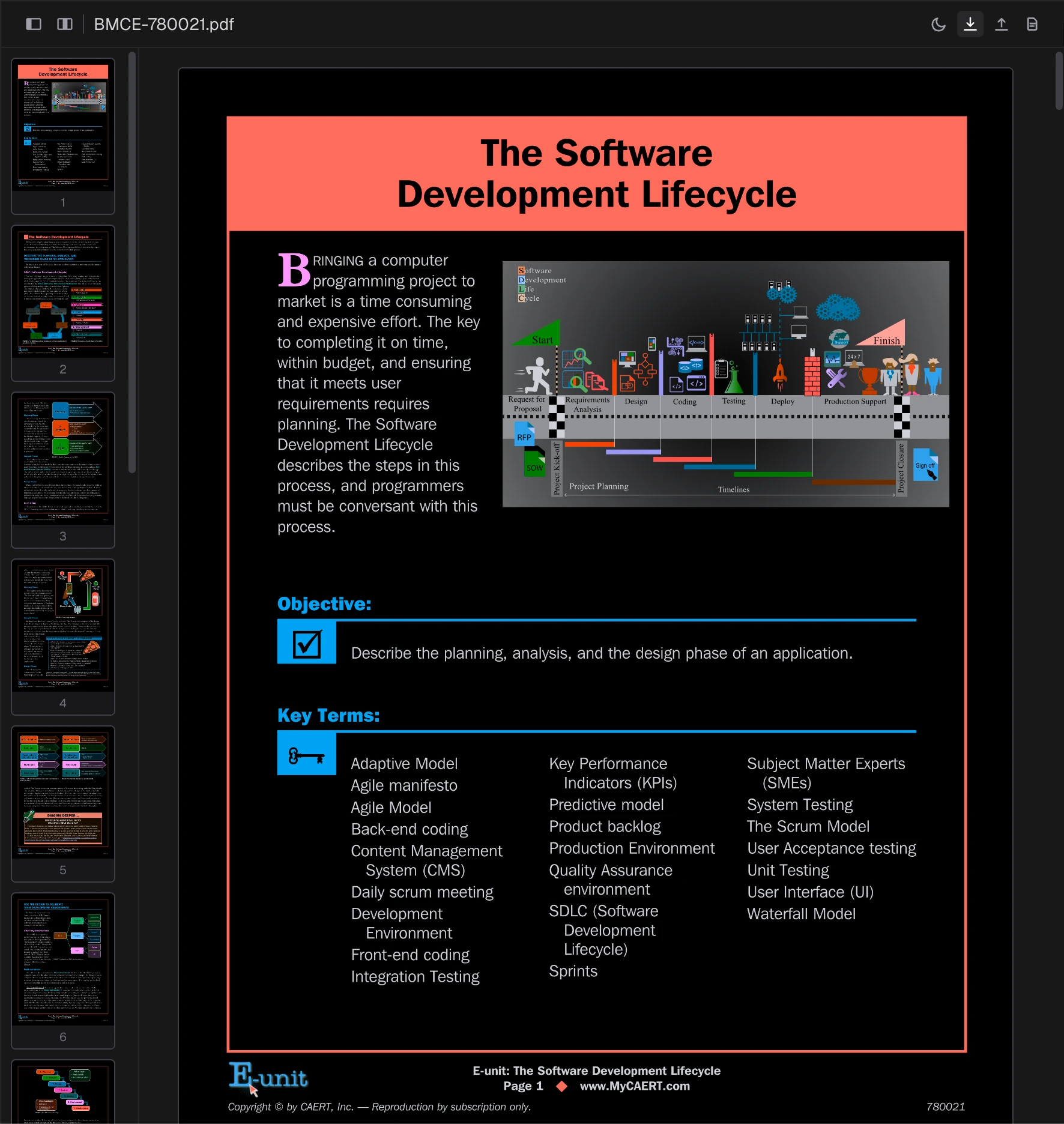
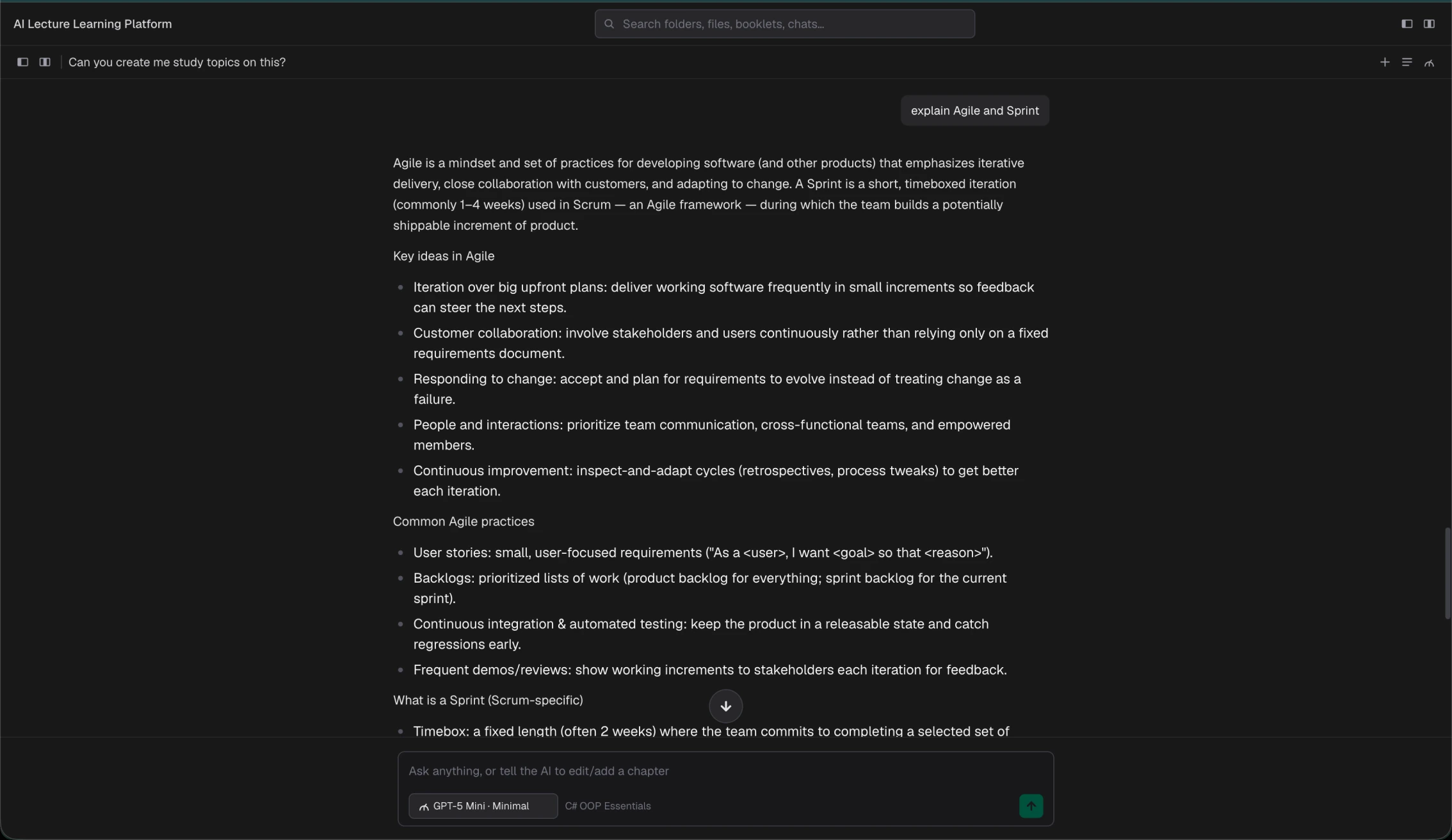
Sometimes users may not want to work with files and simply want to speak to the AI. To support different workflows, I added customisability to the interface, allowing users to collapse any sections they aren't currently using and keep the workspace focused on what they need.
Solution
A personal workspace for everything you learn.
Organise your materials. Ask questions. Keep the answers.
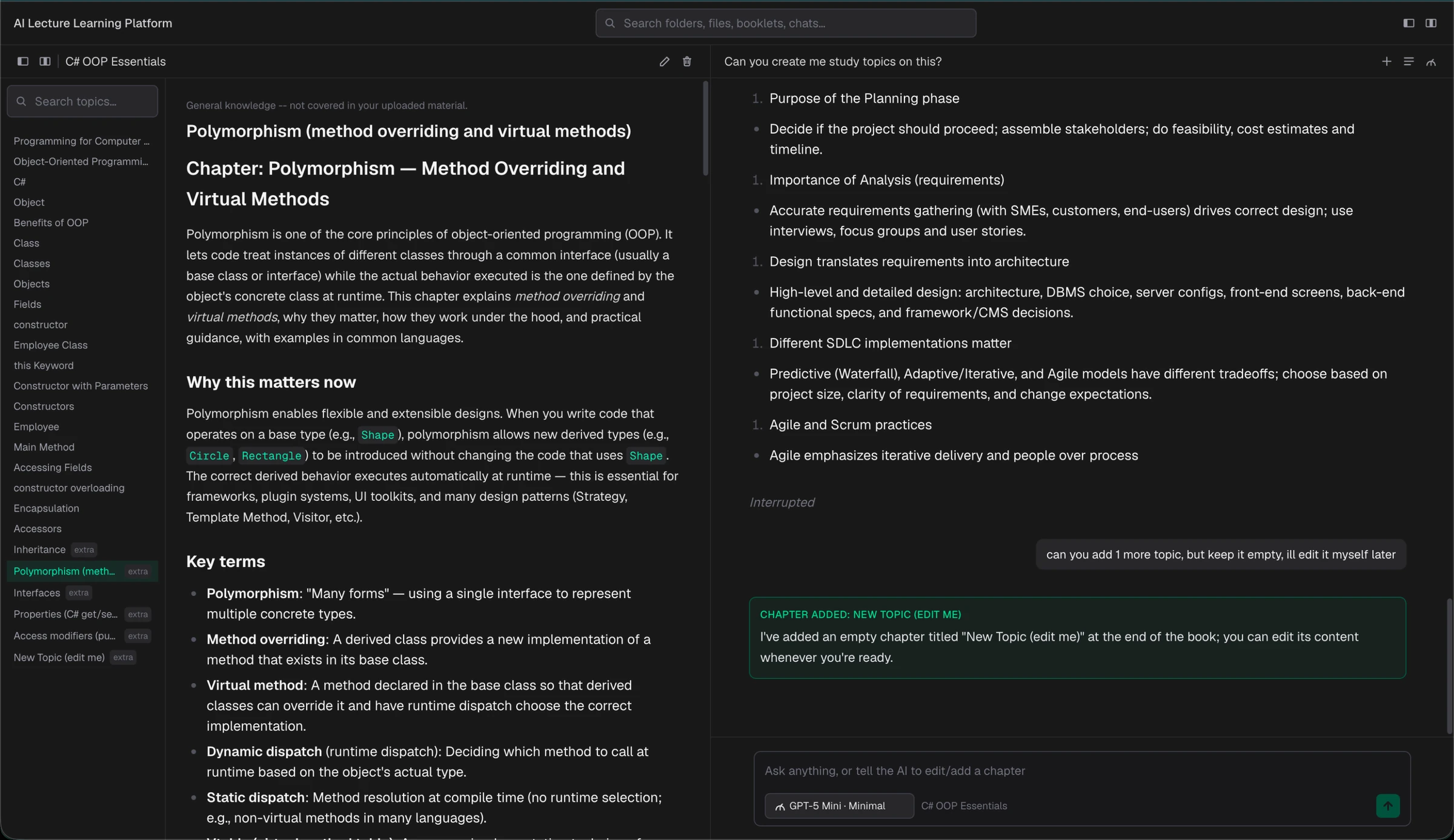
The final product pairs a familiar file-based workspace with AI tools built directly into it: lecture slides, papers, and notes live side by side, and AI can read and work with that content in place. Every conversation and generated summary stays attached to the material it came from, so an answer found in week 3 is still exactly where you left it in week 10.
Outcome
In Development
Continuing to refine the product through development and testing.
The project is currently in active development, with ongoing work focused on improving the user experience, refining existing features and developing new functionality. The design and feature set will continue to evolve through testing and iteration as the product moves towards a more complete release.